
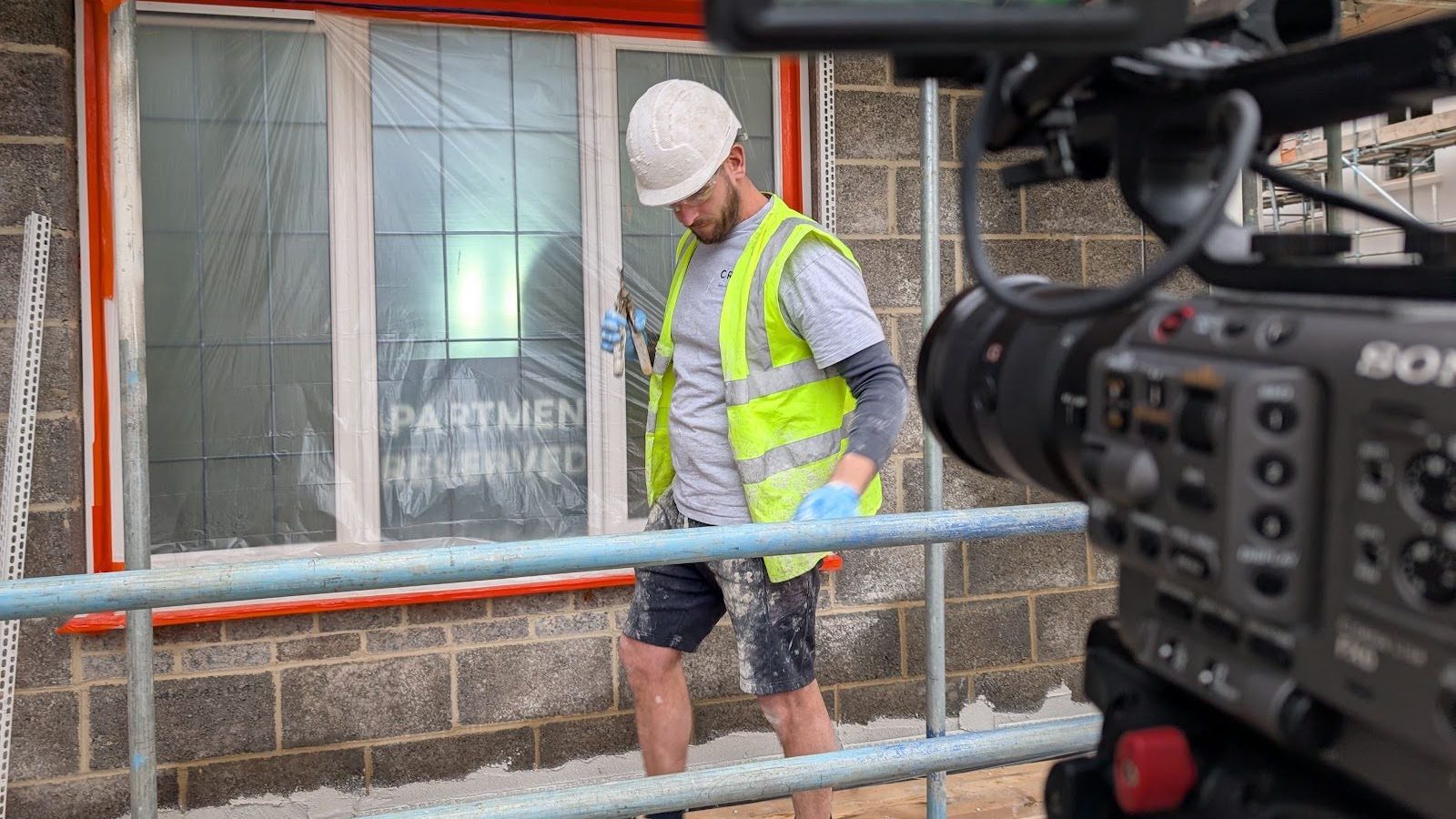
Training video production is the planning, filming, animation and editing of videos that teach people how to do something: induction, a process, a piece of kit or a health and safety rule. A good one is short, built around one task, filmed where the work happens and easy to update. Most cost the same as any other short film.
That’s the short version. If you’re in L&D, HR or health and safety and you’ve been asked to “sort some videos”, here’s how we’d plan them with you, what to film and what to animate, and what it’s likely to cost. All of it comes from training projects we’ve made ourselves.
What counts as a training video?
Pretty much anything that’s meant to change what someone does after they’ve watched it. The ones we get asked for most:
- Inductions and onboarding. Who’s who, how the site works, what a new starter needs to know on day one.
- Process and procedure films. How to handle a complaint, use a system or follow a policy, step by step.
- Health and safety. Site rules, PPE, safe working at height, what to do when something goes wrong.
- Product and equipment training. How to install, use or demonstrate a product, for your own staff or your customers’ installers.
- Skills training. Teaching a team to do something new themselves (we’ve even made training videos about making videos, more on that below).
The common thread is that your viewer has a reason to watch. They need to pass the course, start the job or stay safe on site. That buys you a bit more length than a marketing film, but it doesn’t buy you their full attention. They’ll still drift if the film waffles.
How to plan a training video
Most of the work in a good training film happens before anyone picks up a camera. This is roughly how we run it.
1. Start with what people need to do afterwards
Write down the two or three things a viewer should be able to do once they’ve watched it. Everything that doesn’t help with those goes in a handout, a policy document or a different video.
2. Split it into modules
One long film covering everything is hard to watch and harder to update. Short modules, one task each, are easier to follow, easier to find again and easier to swap out when a process changes. When Ceramic Tile Distributors needed training on their complaints procedure, there was a huge amount of information to get across, and they wanted staff to be able to come back to it later. We made three programmes containing 15 modules.
3. Script it in plain English
Write for the person on the shop floor. Read the script out loud. If it sounds like a manual, it’ll play like one.
4. Plan the shoot around the work
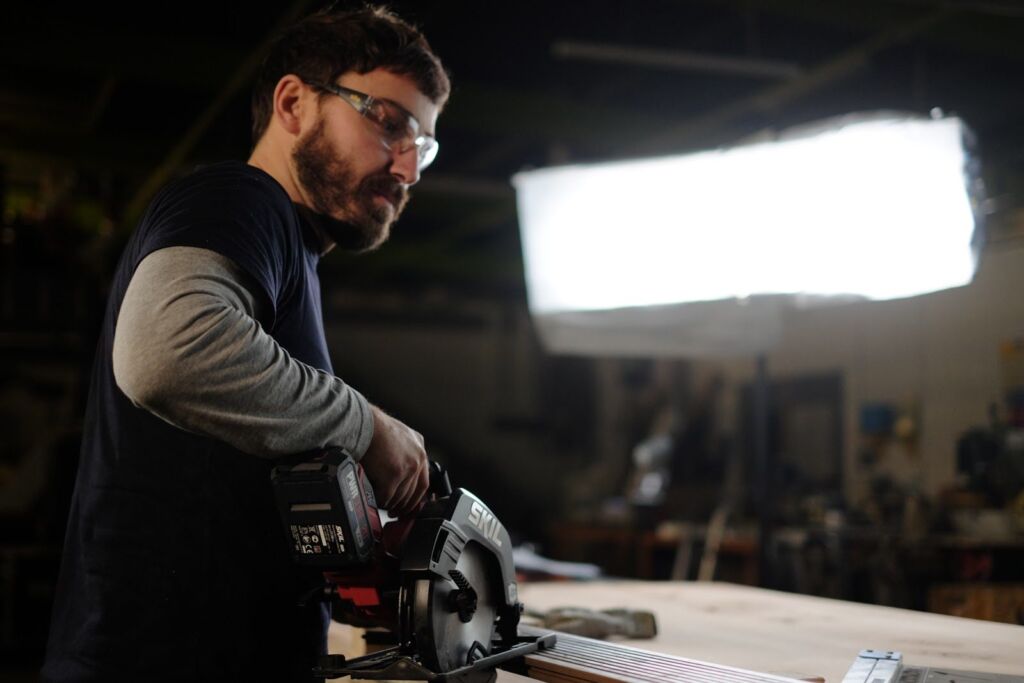
Film where the job is done, with the people who do it. A recce helps us find the best spots and spot the problems (noise, light, access, site rules) before the day, and a call sheet makes sure everyone knows where to be and when. On a working site, that matters: production shouldn’t stop for us, and we shouldn’t get in the way of anyone’s safety.
5. Get sign-off at the right stages
Training videos often need a nod from H&S, HR, legal or a technical lead. Getting them to check the script before filming is far cheaper than finding a problem in the edit.
Film it, animate it or both?
Live action is usually best when people need to see the real place, the real kit and the colleagues they’ll be working with. Animation is better when the thing you’re explaining can’t be filmed: what’s going on inside a system, a hazard you’d never stage for real, or a process that only exists on a screen. Plenty of training films use both.
For Verona Tiles we made a step-by-step tutorial on installing LVT flooring with a polished 3D look, so every stage of a fiddly job could be shown clearly from the best angle. We’ve written more about this choice in animated or live-action explainer video.
| Live action | Animation | |
|---|---|---|
| Best for | Inductions, site rules, equipment, showing real colleagues and places | Systems, hidden processes, hazards you can’t stage, data and software |
| What you’ll need to provide | Access to the site, people willing to be filmed, a filming day in the diary | Subject expertise and time to review scripts and storyboards |
| Updating it later | New footage usually means filming again | Scenes, text and voiceover can be changed without a reshoot |
| Other languages | Subtitles, or a new voiceover over the same footage | Easy to re-voice and swap on-screen text |
Could your team film their own?
Sometimes, yes. We’d be the first to say not every training clip needs a crew. Quick updates, toolbox talks and “here’s how I do it” clips from experienced staff can work well shot on a phone, as long as people know the basics.
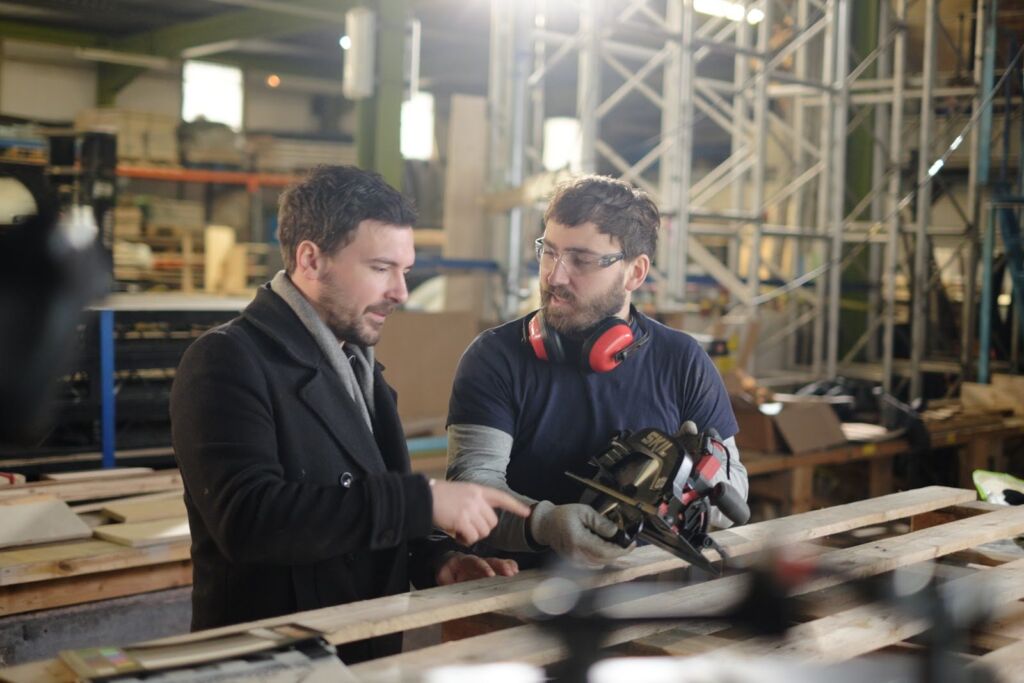
That’s exactly what Weber asked us for. They wanted their sales and marketing team to be able to capture their own case studies, site footage and testimonials, so we made a video training programme covering setting up a device, stabilising the image, framing, lighting, sound, interview technique and how to structure a case study, tutorial or product demo. We pulled reference clips from seven years of films we’d already made for them, so every point was shown with Weber’s own products and sites. Dawn McKee, their Communications Manager, said the film “offered our business a key insight into producing simple and effective video content”.
Where DIY struggles is anything that has to be right first time: a safety-critical procedure, a regulated message, or an induction that every new starter will see for the next few years. That’s where a crew earns its keep.
How much does a training video cost?
The same as any other short film. A short, simple film, such as a single day of interviews, starts from around £3,000 + VAT. Most of our projects, often a main film with cut-downs or a small set of videos, cost £4,000–£8,000, and larger campaigns or detailed 2D/3D animation start from around £10,000. A straightforward 2D animated explainer usually costs £3,000–£6,000 + VAT.
Full training programmes, with a series of modules across several shoot days, have come in between £10,000 and £20,000. A single training video doesn’t need to cost that, though: one or two films from a day of filming can sit at the lower end of the range above.
Training is often where a series works out best value: if we’re already on site with the crew and kit, filming several modules in the same day costs far less than coming back for each one. The biggest factors are how many modules you need, how many locations, and whether there’s animation. For a full breakdown, see video costs explained. Every project is quoted to its brief.
Training video FAQs
How long should a training video be?
As short as the task allows. For most modules that’s two to five minutes. If a film is creeping past ten, it’s usually two or three modules pretending to be one.
How long does it take to make a training video?
It depends on what it is. A one-day shoot with one or two videos can be turned around quickly: about a week of planning, the shoot day, then about a week of editing. A bigger programme, with several modules, animation or more people to sign it off, is more like a month or two from brief to delivery.
Can training videos go into our LMS?
Yes. We deliver standard video files that upload to most learning platforms, intranets and YouTube or Vimeo. Tell us where they’re going at the start and we’ll deliver the right formats, with subtitles.
Do we need a script before we get in touch?
No. Most people come to us with a process, a policy or a slide deck and a deadline. Turning that into something watchable is part of the job.
Got some training to film?
Whether it’s one induction film or a full set of modules, send us what you’ve got (the policy, the slides, the rough idea) and we’ll tell you how we’d break it down. Have a look at our training video production services, or drop us a line.






Leave A Comment